Free QR Code Business Card Generator: Static vs Dynamic QR Codes
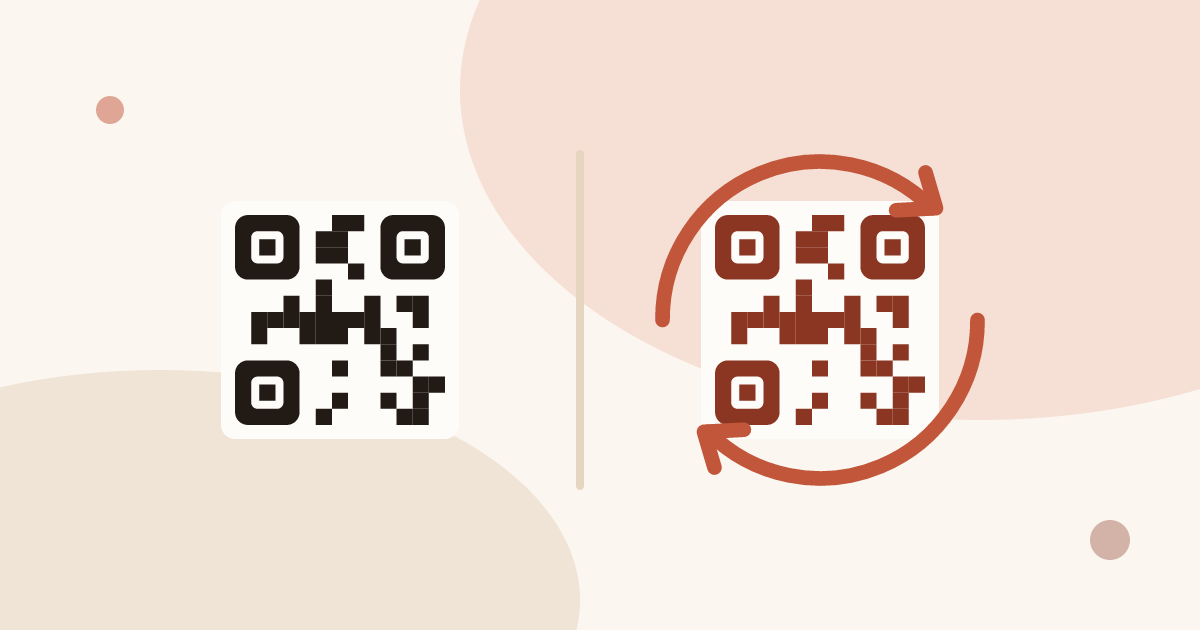
Piktechs has no standalone QR code generator. Each card has its own QR code, free on the Free plan, which points to the card's address. You change the card, not the code, so a printed code stays valid. That is a dynamic code. A static code holds fixed text and needs a reprint to change.
For the full picture, read the complete guide: business cards with a QR code.
Is there a free QR code business card generator?
Yes, many. Search for one and you find dozens of free tools: type your details, get a pattern, print it. They differ in the content of the pattern and in the edits allowed after printing. That second point decides whether the tool is worth using.
A generator that writes your contact details straight into the pattern gives you a static code. It costs nothing, works offline and never depends on a server. It also freezes your details on the day you press the button.
A generator that gives you a code pointing to a web address gives you a dynamic code. The code stays the same and the page behind it can change. Some of these tools charge for the editing, or stop the code after a trial. Before printing a batch, read the terms of the tool and check three things: whether the code can expire, whether you can change the destination, and whether this costs anything.
Piktechs does something different, and it should be said plainly. It is not a QR generator. It is a digital card, and the QR code is one of the ways to open that card. Create a card, publish it, and the card has a QR code of its own. There is nothing to paste, no destination to configure and no second account to open.
| Free generic generator | Piktechs card | |
|---|---|---|
| Output | A pattern from text you type | A digital card with its own QR code |
| Code points to | Text or an address you choose | The address of your card |
| Standalone tool | Yes | No, the code belongs to the card |
| Cost to get the code | Free, often with limits | Free plan, one live card |
| Edit after printing | Depends on the tool | Yes, edit the card |
Static vs dynamic QR code for business cards
A QR code carries a short text. The type of code depends on which text.
A static code holds the final content. For a business card, that is usually a vCard: name, phone, email, company. The phone reads the pattern and offers to add the contact. No page is opened and no connection is needed.
A dynamic code holds an address. The phone opens that address in its browser. The address belongs to a page you control, so the page can change while the pattern stays identical.
| Static code (vCard) | Dynamic code (link to a card) | |
|---|---|---|
| Pattern content | Your contact details | The address of a page |
| Change a number after printing | No, reprint the card | Yes, edit the page |
| Pattern density | High, so a larger code | Low, so a simpler code |
| Works without a connection | Yes | No, the page needs a connection |
| Photo, links, several details | Very limited | Yes, on the page |
| Collect the visitor's details | No | Yes, with a form (Pro and Team) |
| Scan statistics | No | Yes, card views and saved contacts (Pro) |
| Depends on a server staying online | No | Yes |
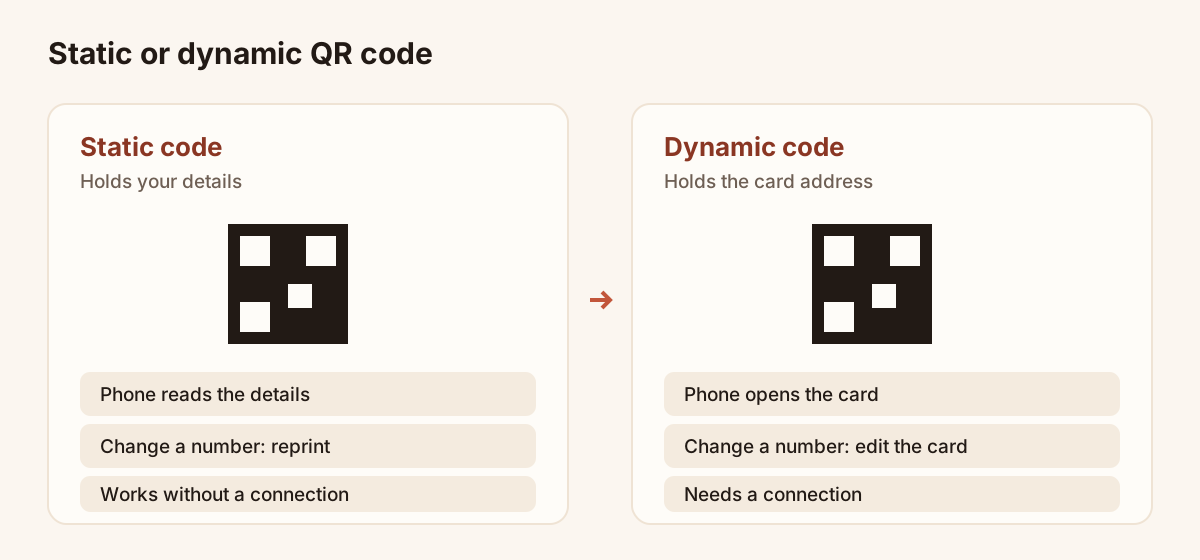
The same printed code: frozen on the left, editable on the right.
Neither is wrong. The static code suits a one-off sticker for a room with no signal. The dynamic code suits a card you hand out for months, which is most business cards. For the design side of printing, size, quiet zone and placement, read how to put a QR code on a business card. For the vCard itself, read how to create a vCard.
Do business card QR codes expire?
A static code never expires. Its content is the pattern itself, so it works as long as the paper is readable and the phone has a camera.
A dynamic code is different, because it depends on the destination. It stops being useful in three cases:
- The service behind it stops redirecting, for instance after a free trial ends. This is the risk with some free generators.
- The page is removed or unpublished.
- The address changes without a redirect.
For a Piktechs card, the QR code points to the card's address. The code works as long as the card is published. If you unpublish or delete the card, the code leads nowhere. If you stop paying for a paid plan, you go back to Free: one card stays online and the others go offline, and their codes with them. Come back within 90 days and your cards are restored as they were. Plan which card carries the printed code before a print run, and keep that card online.
A simple rule keeps you safe: before printing a batch, scan the code, open the page, and check that it is the card you want to keep for as long as the paper lasts.
Can I edit a QR code after printing?
You cannot edit the printed pattern. A pattern is ink on paper. The page the pattern points to is editable, and only a dynamic code allows this.
With a Piktechs card, the QR code, the link and the NFC tag keep pointing to the same card. You edit your details and the update is live as soon as you save. Nobody has to scan a new code and nothing is reprinted. This covers a new phone number, a new job title, a new logo or a new link.
Three limits are worth knowing:
- You cannot change the card the code points to. The code belongs to its card. If you want a different card behind a printed code, edit that card instead.
- Editing is only as good as the page. A change you save is live straight away, so check it on a phone before a trade show.
- A static code stays frozen. A vCard code printed with an old number carries that number forever.
The article on updating a digital business card goes through the steps.
How to track business card QR code scans
A static code cannot be tracked. The phone reads the text and nothing is sent anywhere.
A dynamic code opens a page, so the page can be measured. In Piktechs, the analytics of a card are a Pro and Team feature. They show card views, saved contacts and new leads for a card. Treat views as an approximation of scans: a person can also reach the card by link or NFC, and the same person can open it twice.
Two habits make the numbers useful:
- Give a card to one use. If one card goes on your business cards and another on a poster at your stand, the views of each tell you where people came from.
- Compare views with saved contacts and leads. Many views and few contacts suggest the card does not give a reason to act. Many contacts and few leads suggest the form is too long.
Analytics are a Pro feature, so the Free plan shows no statistics. The pricing page lists the plans.
How to get your QR code in Piktechs
Create a card first. If you have none, read how to create a digital business card. Then:
- Open “My Cards”.
- Check that the card is published. A code leads to a live page, not to a draft.
- Click “Share” on the card.
- Choose “QR Code”.
- Show it on your phone, or download the QR code as an image to use it for print.
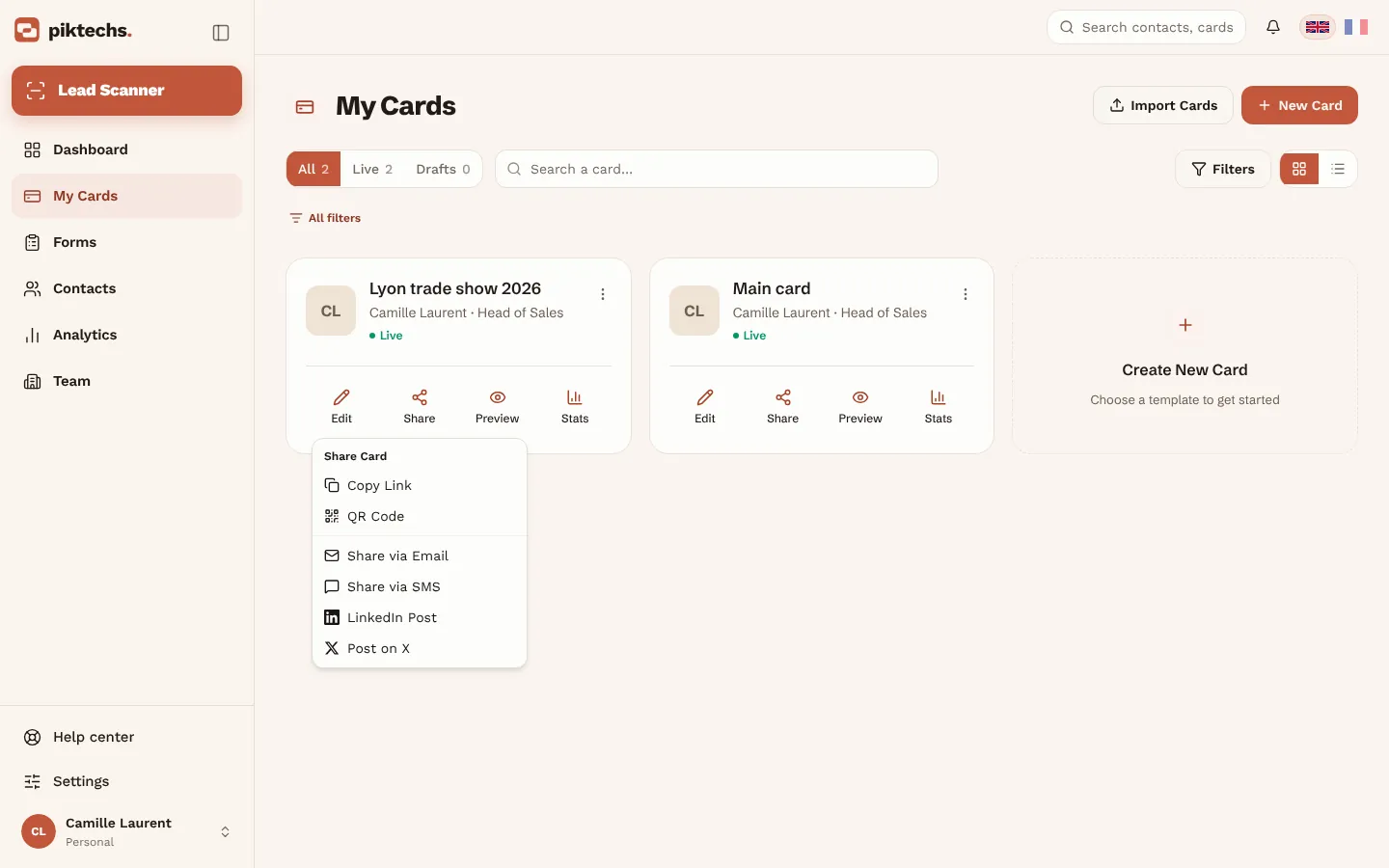
Piktechs screen, sample data.
The code opens with the phone camera. The person who scans installs nothing: the card opens in their browser and they can save your contact in one tap.
The Free plan allows one live card, so one QR code. Pro and Team allow more cards, each with its own code. That helps when one code is for your business cards and another for an event. The page on digital business cards describes the product.
For the other ways to give the card away, from a link to an NFC tag, read how to share a digital business card.
Checklist before printing a QR code
- Scan the printed proof with two phones, not only your own.
- Open the page it leads to and read it once on a phone.
- Check that the card is published and will stay online.
- Choose a static code only if you accept never changing the details.
- Add a short invitation next to the code, such as “Scan to save my contact”.
- Keep a quiet zone around the pattern, with nothing printed in it.
Frequently asked questions
Is there a free QR code business card generator?
Yes, many free generators exist. Piktechs is not one of them: it has no standalone generator. Each card has its own QR code, available on the Free plan with one live card.
What is the difference between a static and a dynamic QR code?
A static code holds fixed content, such as a vCard, and cannot change after printing. A dynamic code holds a web address, and the page behind that address can change while the printed code stays the same.
Do business card QR codes expire?
A static code does not expire. A dynamic code works only while its destination stays online. A Piktechs card code works as long as the card is published.
Can I edit a QR code after printing?
You cannot edit the printed pattern, but with a dynamic code you edit the page behind it. In Piktechs, you update the card and the change is live as soon as you save.
Can I track scans of my business card QR code?
Only with a dynamic code. In Piktechs, card views, saved contacts and leads appear in the analytics of Pro and Team plans.
Read next
 Guide
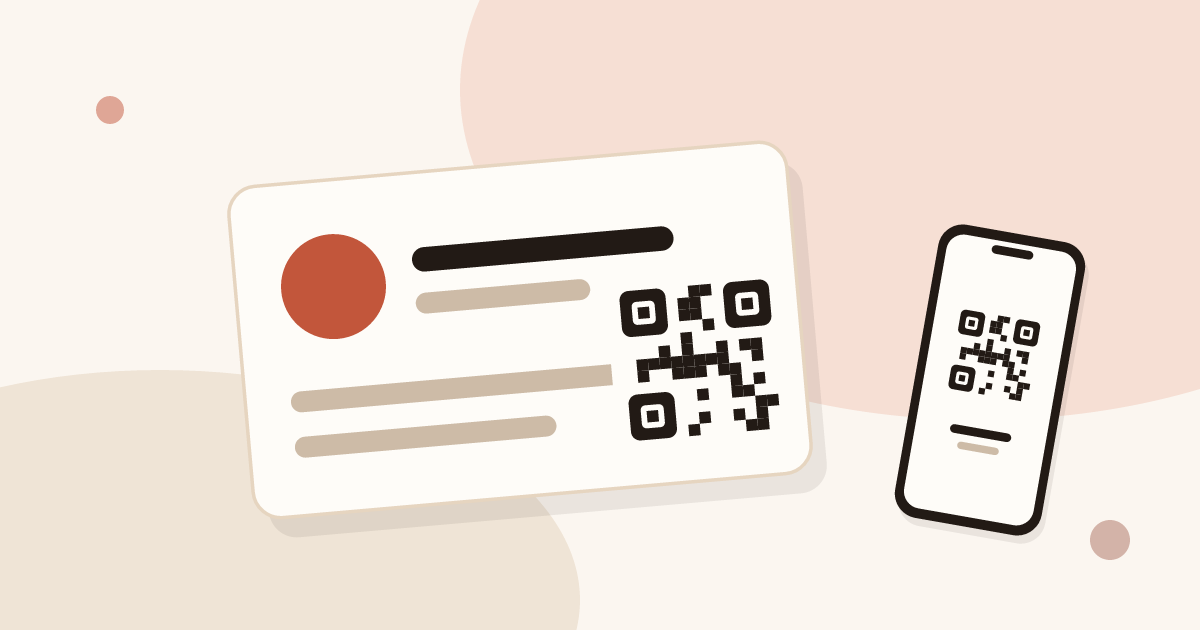
QR Code Business Cards: Definition and How to Make One
A QR code business card opens your details on any phone. Learn how to make one in minutes and pick the link: a vCard, a website or a live digital card.
 Article
How to Put a QR Code on a Business Card (Size, Placement, Link Target)
Add a QR code to your business card the right way: minimum size, placement, the link target, and why a dynamic QR code matters.
 Article
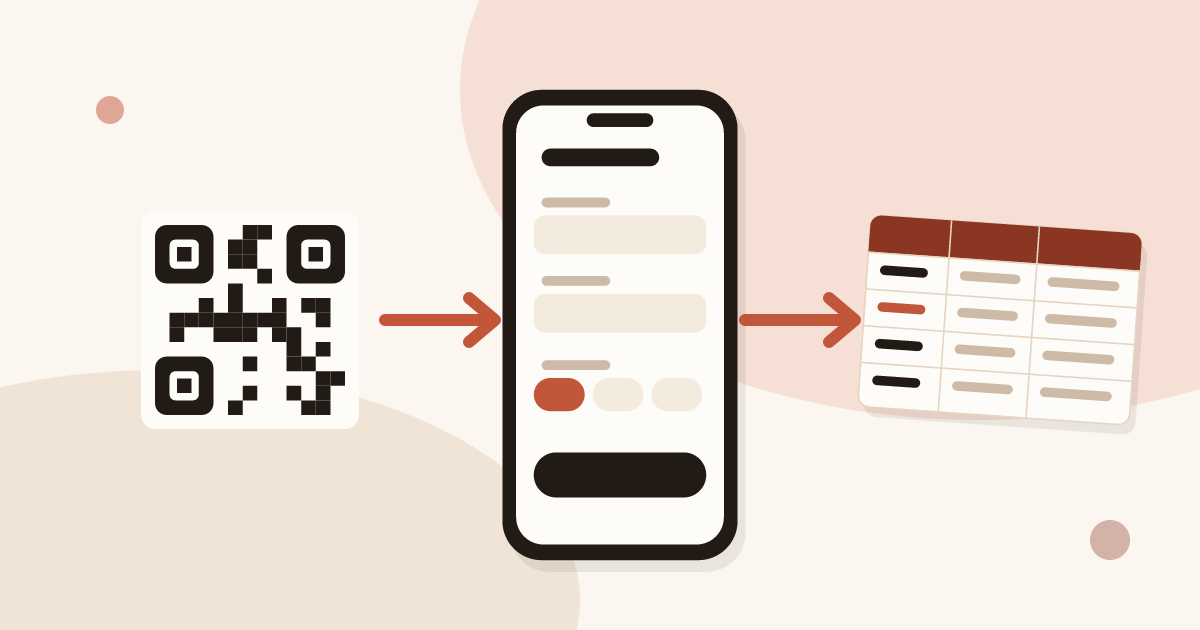
How to Collect Contact Info with a QR Code (and Stay GDPR Compliant)
Turn your business card QR code into a two-way exchange: let people leave their details, record consent, and send the lead to your CRM.
Create your digital card
The Free plan includes one live card. No app needed for the people who receive it.